Table of contents
🤖
AI-generated summary
Since the release of iOS 14, Apple has gone all in 📦 on accessibility settings. This little menu is becoming a real catch-all! One feature I particularly like is the back-tap on the iPhone that lets you trigger the action of your choice. But let’s get back to the subject at hand.
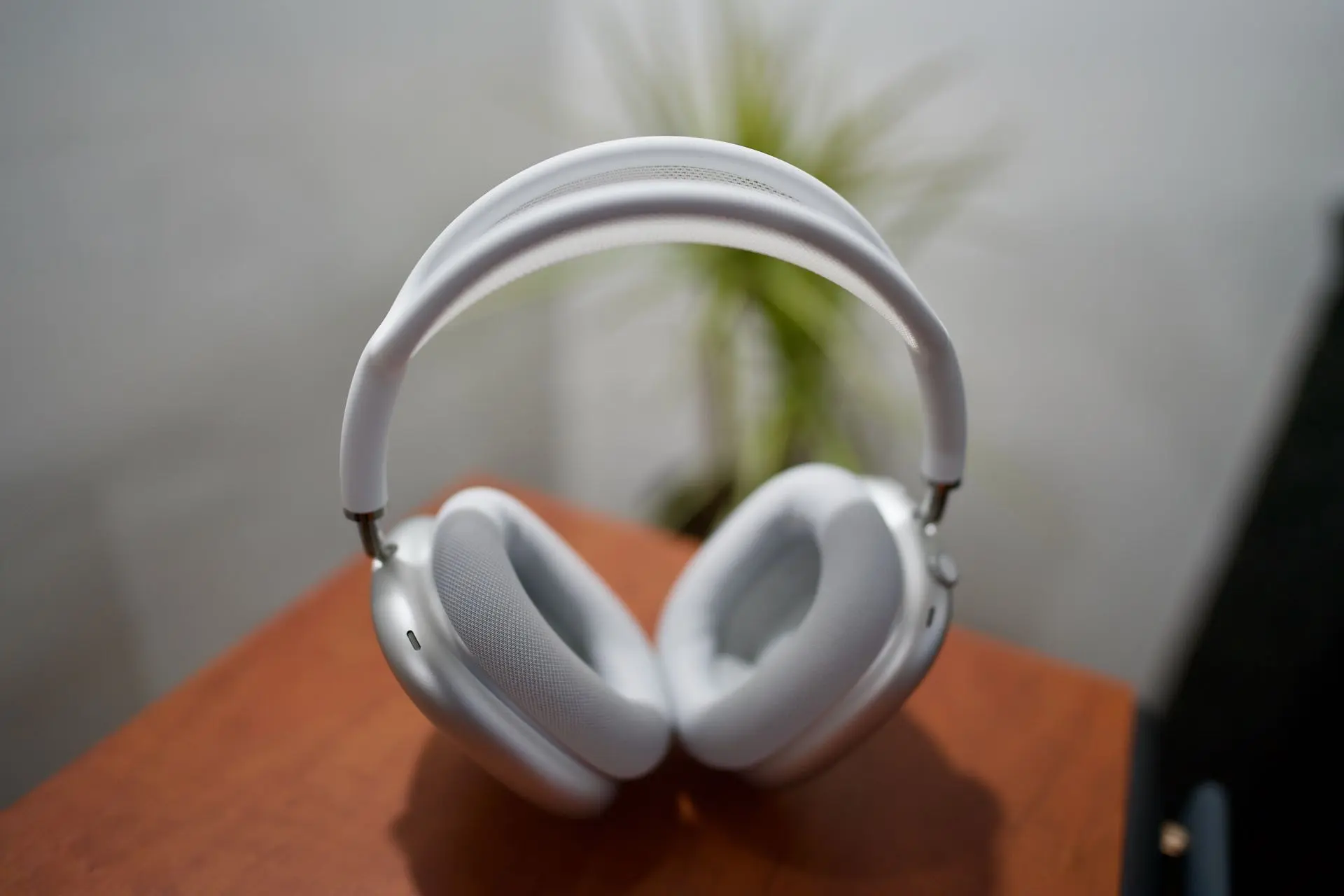
If you want to get the most out of your AirPods experience (it also works with Beats headphones 🎧) I suggest you head into Settings:


You’ll hear 👂 a number of sounds and will need to answer which version you prefer. It’s a truly personalised and automatic equaliser 🥰!
You can always go back to the previous setting, so I encourage you to give it a try — you have nothing to lose.
Only 😢 regret: the experience isn’t the same when I listen to something on the Mac, which doesn’t have the same feature.