Table of contents
🤖
AI-generated summary
I don’t care about WWDCs anymore. I’d rather read the recaps than watch them, and this one at least didn’t waste my time.
So, what’s the takeaway? I’d sum it up as: “Okay guys, we screwed up over the last few years, we heard you, we’re fixing it!” And that’s about it. Last year I wasn’t exactly gentle either .
Software Improvements
Liquid Glass caused quite a stir: accessibility issues, windows impossible to move on Mac. Rather than admitting it failed, Apple prefers to give us more options to customize the interface. By the way, icons are now unified under a single theme.
We also get colors back in the sidebars! Wow…
On the stability and performance side, Apple focused on “under the hood” optimization: smoother feel, faster app launches, and improved Spotlight indexing.
AirDrop gets 80% faster and more reliable.
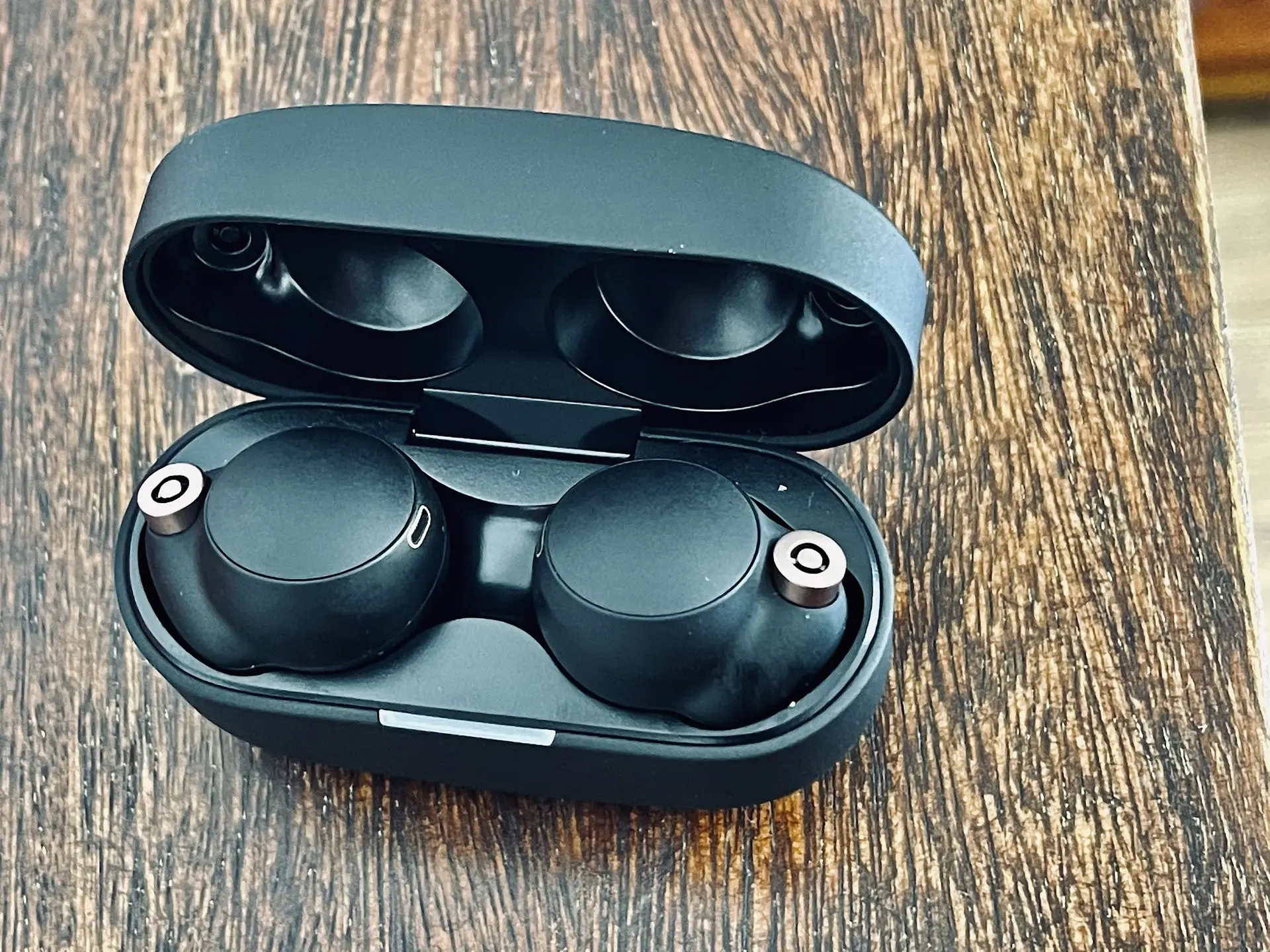
And finally, the long-awaited addition of a custom equalizer for AirPods . Yes, indeed, we need a WWDC for that, and worse, a major version upgrade to include it.
Security and Parental Controls
Apple emphasized in-depth parental control tools: dedicated child accounts, granular screen time management by app category.
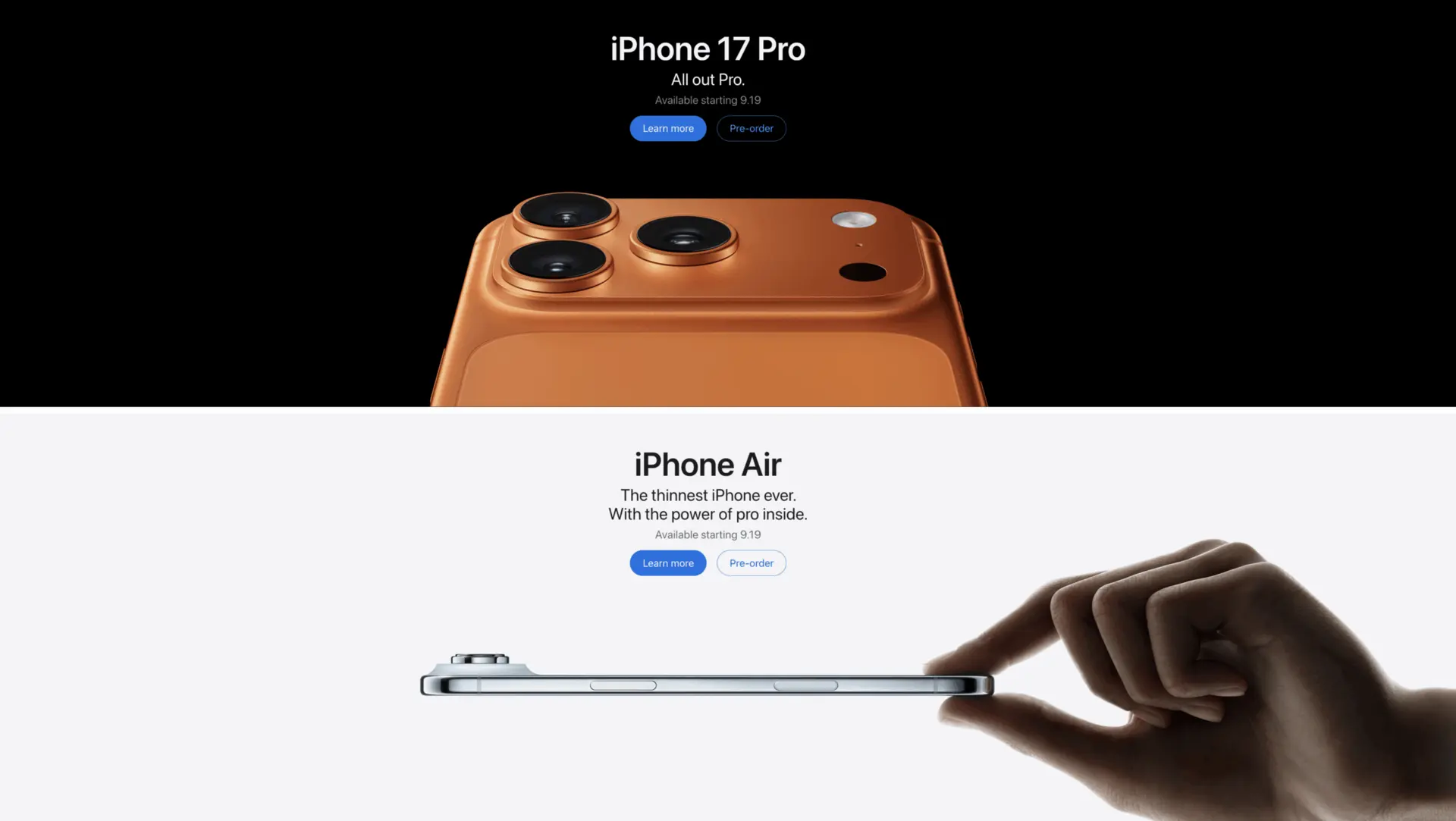
The strategic goal seems clear: hook young users into the Apple ecosystem as early as possible to build brand loyalty. This makes sense alongside the release of the MacBook Neo (which, by the way, might not even support all Apple Intelligence features). The most advanced on-device model is exclusive to the iPhone 17 Pro and “Air” (requiring 12GB of RAM). Everyone else will have to settle for more limited Siri features.
This is a step in the right direction; Apple was still lagging behind in this area. When you look at what Google does next door, it’s way easier to set up.
Apple Intelligence and the New Siri
Siri 2.0: new interface (dynamic animation, more expressive voice), conversation history synced across all devices, and the ability to cite its sources.
Key features: Siri can now interact with your personal data (messages, photos, calendar, emails) and perform concrete actions within apps.
Privacy: data remains processed locally on the device.
Third-party apps: through “App Intents”, Siri can interact with non-Apple apps (asking it to play a podcast on Spotify , for example), subject to compatibility.
From what I’ve heard, you’ll need an iCloud+ subscription to fully enjoy Apple Intelligence. I struggle to understand this, given it’s supposed to run locally. So they’re going to force us to pay to use a local LLM. It’s insane.
New Productivity Features, But Nothing for Pros
Safari: automatic tab organization by topic and natural language extension creation.
Shortcuts: creating and editing Siri shortcuts through text descriptions. Remains to be seen how this will be implemented, because Claude or ChatGPT already know how to create shortcuts .
Home: smart notification summaries and search functionality within security camera video streams.
Photos: AI tools to expand image borders and depth-based spatial cropping.
Password management: a new dedicated app, capable of logging into websites to automatically change weak passwords (enough to put Dashlane or Bitwarden out of business?). I’ll believe it when I see it. It could be very well designed, and it’s perhaps the only real takeaway from this WWDC.
So, a catch-up WWDC. Apple is patching, listening, fixing, but not really innovating. We’ll see how it turns out once we get our hands on it.
Feel free to reach out if you’d like to react to this article.