Table of contents
🤖
AI-generated summary
We all know it — a Mac is great. But a Mac with the right tools is a genuine productivity powerhouse. In 2025, my workflow has evolved quite a bit, particularly with the massive arrival of AI. Here are the apps I can no longer live without this year. 💻✨
1Password
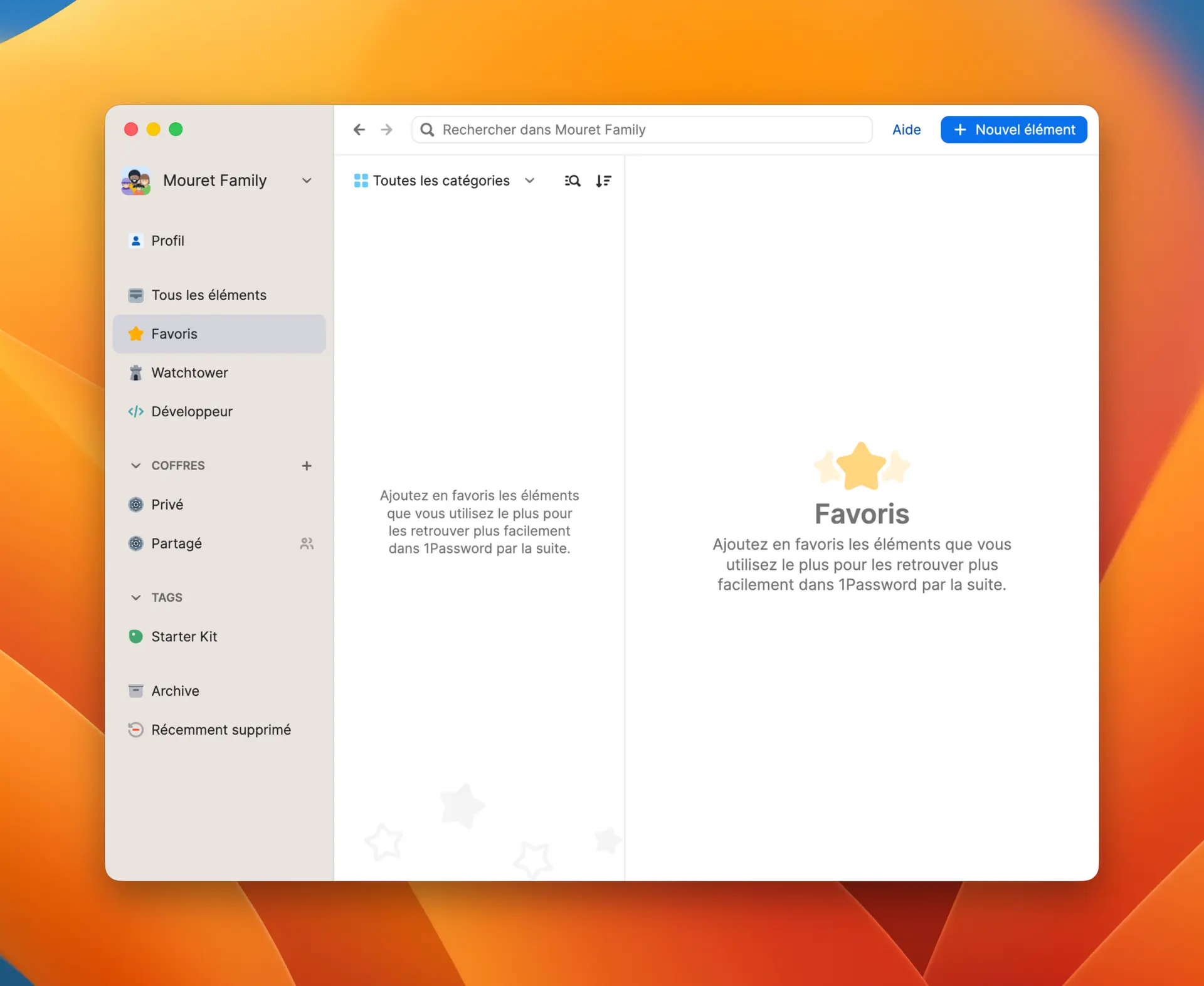
Who doesn’t use a password manager today? Personally I use 1Password with the family plan. For me it’s one of the best — if not the best — password managers out there. The UX is very well thought out, making it easy to search for information quickly. There’s also a key that lets you integrate it with Raycast.
When I was the only one using a password manager, I used Bitwarden, which at €10 a year is the reference option. The family plan is barely $20 less than 1Password. And given 1Password’s UX, I much prefer to pay a little more.
For 2026 I’m going to test self-hosting Vaultwarden to save $60 a year.
Bartender
For me this is the kind of utility that’s essential to install the moment you get your Mac, if you ever want to avoid ending up with an unusable menu bar.
I took advantage of a Black Friday deal to buy it since I’ve been using it for a long time — it’s also included in the SetApp subscription.
But honestly, I’d recommend free alternatives like:
- Ice
- Dozer
- Hidden Bar
CleanShot: The Rolls-Royce of screen capture 📸
Whether it’s a static capture or video, CleanShot is unbeatable. You can do everything: remove the desktop background, turn a video into a GIF, or take scrolling captures.
But the feature I use every single day is OCR. I select an area of the screen, and bam — the app recognizes the text and pastes it into my clipboard. A massive time-saver! ⚡
BetterTouch controls your 🐭
Another indispensable utility ! It lets you customize your mouse or trackpad buttons depending on which app is open. I love configuring a click on my mouse button to close a browser tab, or a middle-click to open a new one. Once you’ve tried it, there’s no going back.
Ulysses: My digital pen ✍️
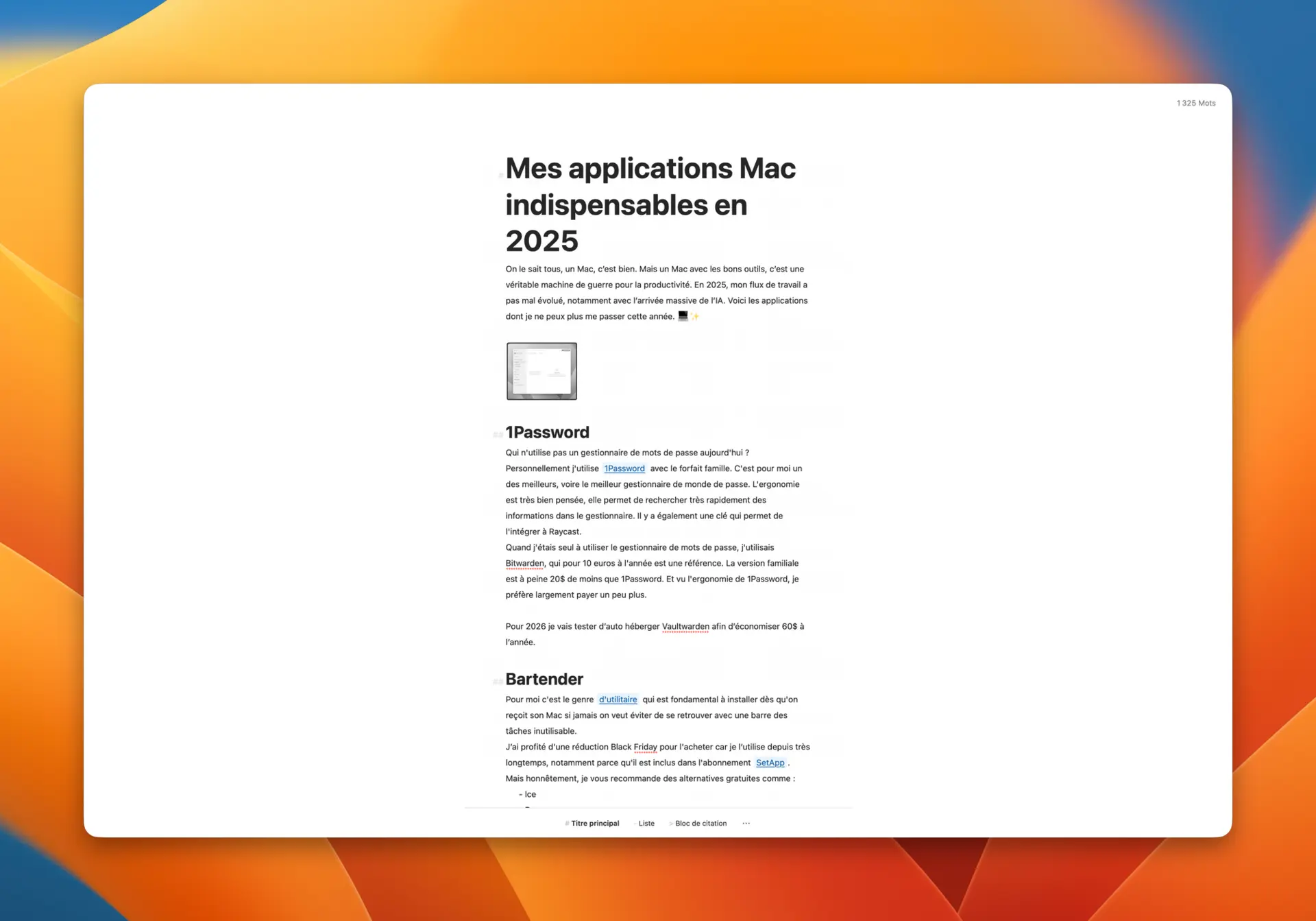
I’ve tried to replace Ulysses a thousand times, without success. The interface is clean and genuinely makes you want to write. The big selling point? The ability to publish directly to WordPress or Ghost.
Everything is centralized: notes, images, articles… If I ever lost my data on the site, I’d know everything is safely stored in Ulysses. It’s available on Mac, iPad, and iPhone, which lets me jot down an idea anywhere. It costs €40 a year, but it’s well worth it. 🍏
PS: my last article about this app is from 2021.
GoodLinks: My smart reading pile 📚
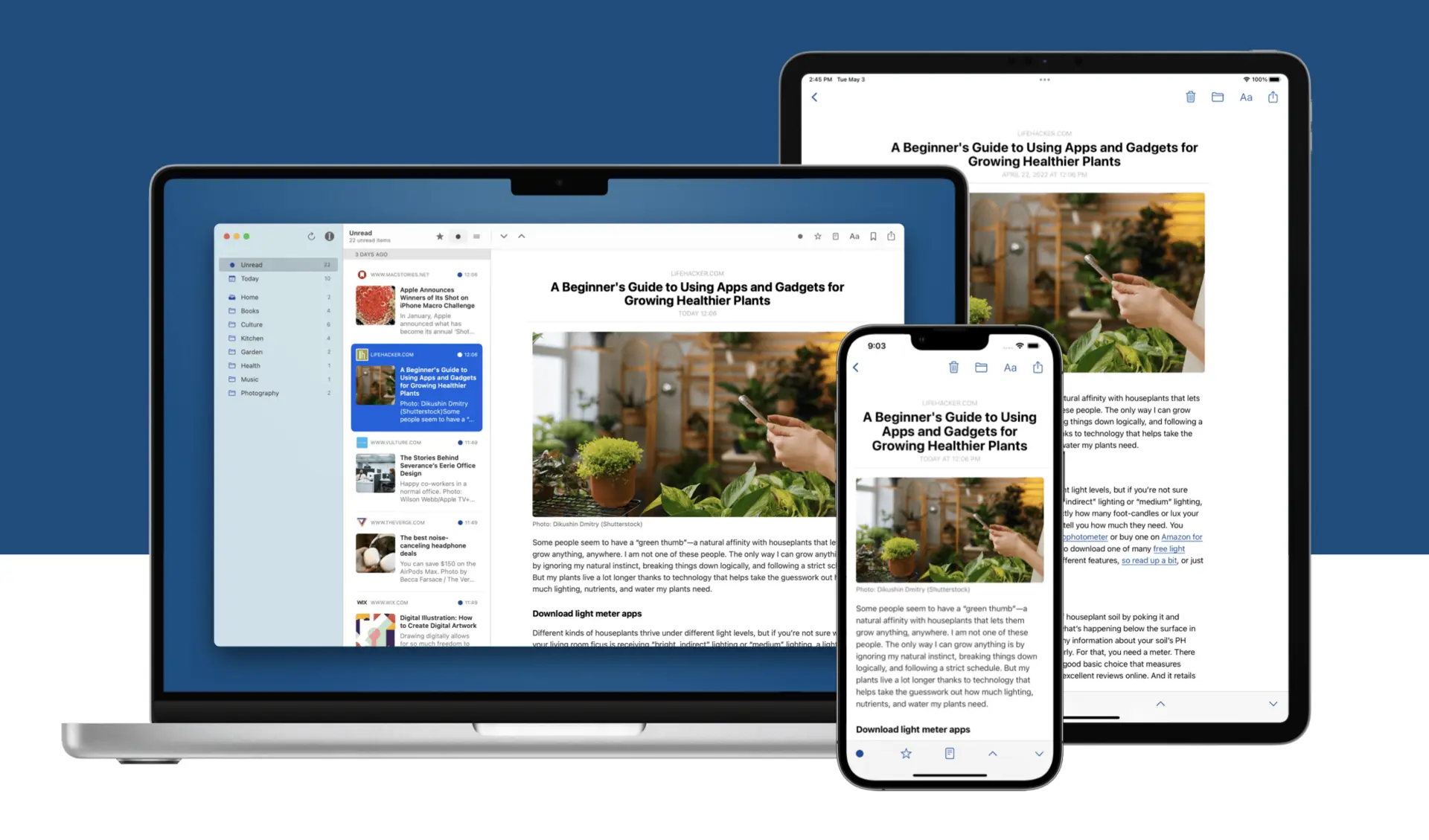
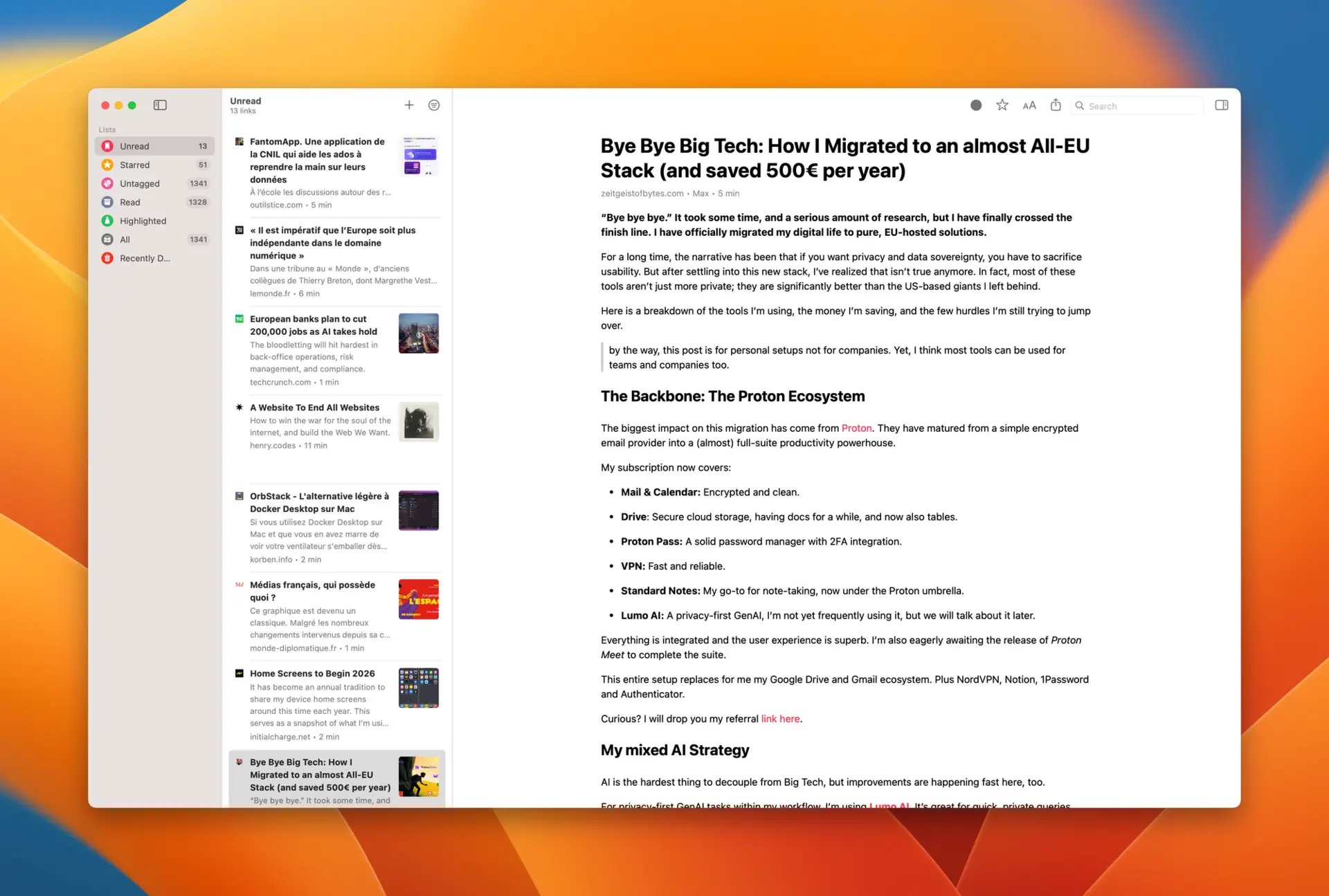
I published an article about this app, which I think is truly fantastic. You save links. Those links are downloaded inside the app, giving you the full article text. This also works for sites that require a login — for example, articles from Le Monde, which I subscribe to.
You have the ability to run actions on these articles. And what I love doing is sending the article to ChatGPT to get a summary.
As a result, I’ve never had fewer articles to read than since I started using this app — because when I don’t have time to read everything, I summarize articles via AI.
The app is compatible with Mac and iOS. So you can save links and find them anywhere. There’s an extension for Firefox, Chrome, and Safari.
No more need to use an online service (Instapaper), or pay for a subscription.
Lightroom: For photo lovers 📸
Since I started shooting in RAW, I’ve gone back to paying for Lightroom. It’s a bit pricey for my use (essentially applying presets), but I haven’t found a replacement that’s as efficient for my simple editing needs. Once I’m done, I export to JPEG to Apple Photos for archiving. 🖼️
Calibre: My digital library 📖
Calibre is an application that lets you manage your books in digital format. I mainly use it to convert books from one format to another. Typically, when I get an epub file, I convert it to PDF and use Gemini to generate a reading summary.
This app is the reference tool for this. It also lets me archive all my digital books.
Gemini: My favorite AI assistant 🤖
Sorry ChatGPT, but since Gemini 3 launched, I’ve switched. I find Gemini exceptional, especially for its integration into the Google suite and the ability to use the power of NotebookLM.
Image generation is ultra fast, as is the “Flash” version. Being able to summarize YouTube videos or share the subscription with the family — that’s really great. The only small downside is that it might be slightly less “personal” than its competitor, but its performance more than makes up for it. ⚡
Handy: Dictation reinvented 🎙️
Yes please! 😁 Handy has changed the way I write. No more keyboard — you talk to your Mac and it transcribes everything using Nvidia’s Parakeet model. It’s ultra fast, accurate, and best of all… it’s free!
MacWhisper: The king of transcription 🎧
This app does roughly the same thing as Handy, except that for transcribing text on the fly, I find Handy much more effective. I use MacWhisper mainly for recording meetings and getting the transcript. It works with all applications on Mac. And if you receive a phone call through your Mac, you can even record the conversation. Then I give the transcript to Gemini to get a summary of the exchange.
The app is paid, but it’s not a subscription — around fifty euros. It’s genuinely money well spent for anyone who needs to summarize conversations without taking notes.
When you’re on the go, you can use your iPhone’s voice recorder, and when you get back to your desk, you retrieve the audio file for MacWhisper to transcribe into text.
The software is also compatible with the Parakeet model, which can detect multiple speakers in a conversation.
In short, another must-have.
Raycast: My AI-powered launcher 🚀
Former Alfred fan, I switched to Raycast this year. The AI integration is a productivity gem. Even though I find the subscription a bit pricey ($96/year), the possibilities are insane: summarize the active browser tab, apply prompts to clipboard content, reword an email… It’s exactly what we’d been hoping Apple would do. I’ll write a dedicated article about it soon!
🌐 On the browser side: The dilemma
Arc for work
Arc has completely nailed modern browsing. Workspace-based bookmark management is brilliant. Unfortunately, development is somewhat on pause (security patches only), but it’s still my go-to tool for working on multiple projects in parallel without losing myself in tabs.
Vivaldi for personal use
At home, it’s Vivaldi. Why?
- Perfect sync with iOS.
- Command chains: string together multiple actions, like Arc’s shortcut for copying and pasting the active tab URL.
- Workspace management: organize your tabs by workspace for smooth navigation and clear structure.
- Vertical tabs: display your tabs in a column for optimal control.
- Tab stacking: stack your tabs, even beyond Arc’s limits. 📑
- Independence from American tech giants 🔒
- Built-in ad blocker 🚫
- Side-by-side tabs
What I miss compared to Arc:
- 📌 Bookmark management in Vivaldi feels like a classic browser, whereas in Arc it’s deeply integrated into the navigation itself.
- 🔗 Pinned tabs in Vivaldi take up too much space for my taste and don’t carry across different workspaces.
- 🤖 There’s no AI integration, whereas I appreciate the way Firefox has implemented it.
- 📱 On iOS, performance is slightly below Safari’s.